
Microsoft Scout

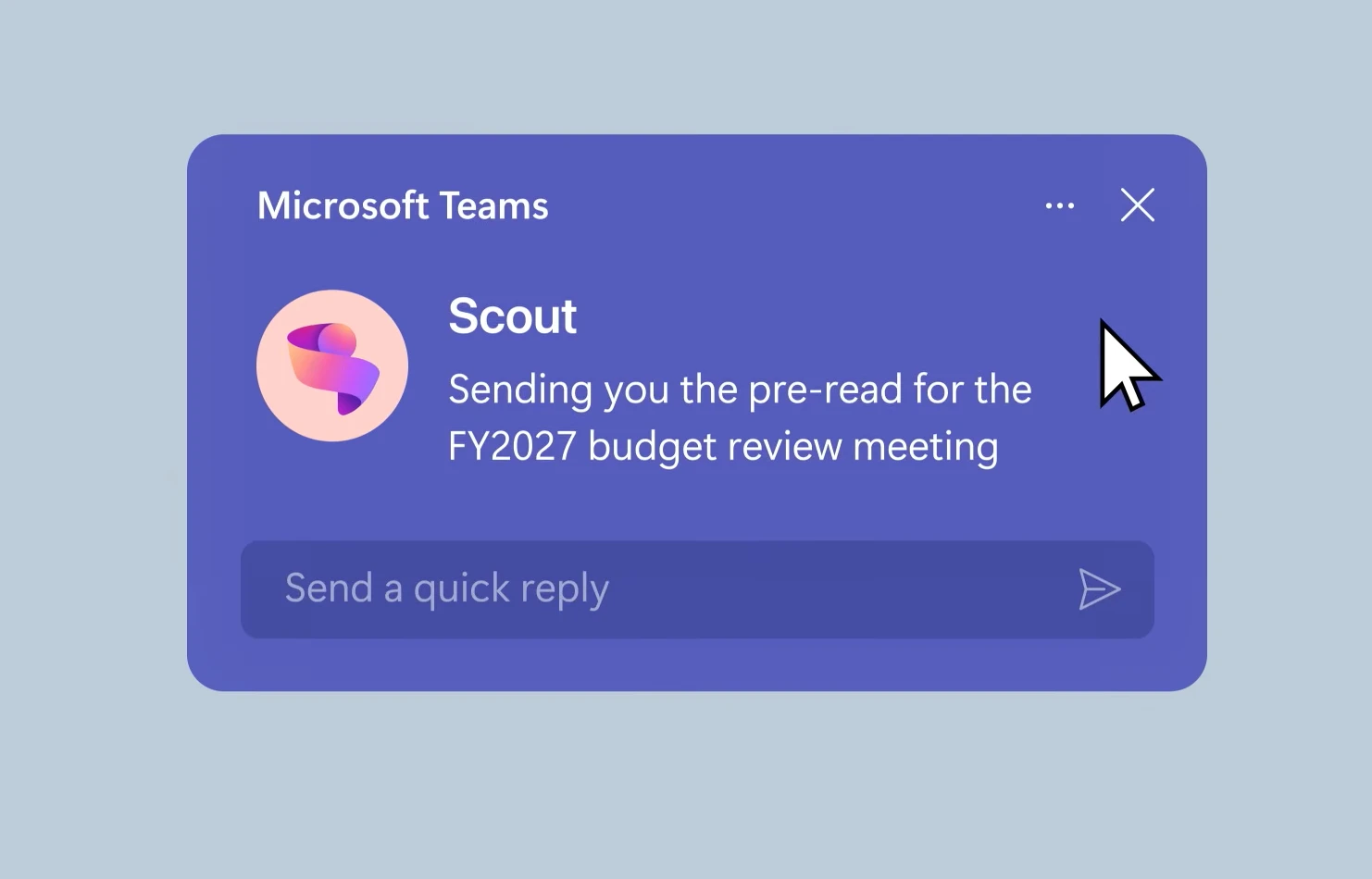

Microsoft Scout: Microsoft’s Vision for the Future of AI Assistants
Artificial intelligence is moving beyond chatbots and simple assistants. The next phase is AI that doesn’t just answer questions but actively works on your behalf.
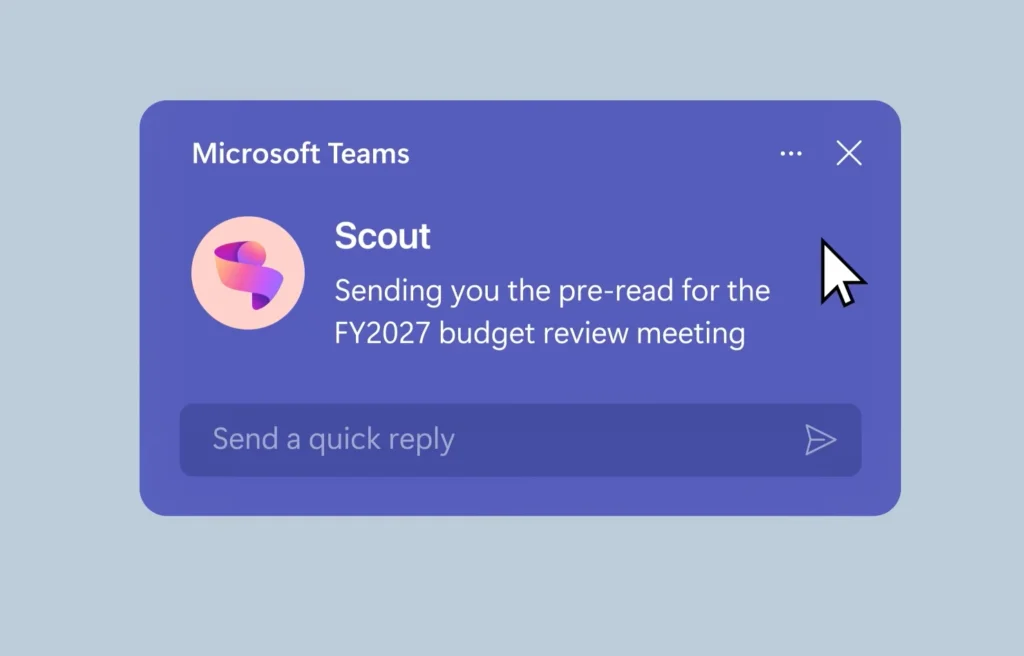
Microsoft has now introduced Microsoft Scout, an always-on AI agent designed to operate autonomously across Microsoft 365, helping users manage tasks, coordinate work, and automate workflows without constant prompting.
Announced as part of Microsoft’s new category of AI agents called Autopilots, Microsoft Scout represents the company’s latest push toward making AI a continuous digital co-worker rather than a tool that only responds when asked.
What Is Microsoft Scout?
Microsoft Scout is Microsoft’s first Autopilot agent, an AI system that remains active in the background and can take actions on behalf of users while operating within organizational policies and permissions.
Unlike traditional AI assistants that wait for instructions, Scout is designed to understand ongoing work, monitor priorities, and proactively assist with tasks that would normally require manual intervention.
The agent integrates directly with Microsoft 365 services including Outlook, Teams, OneDrive, SharePoint, calendars, emails, contacts, and meetings.
Users interact with Scout through Microsoft Teams, while the desktop application extends its capabilities to browsers, local files, system resources, and external tools.
How Microsoft Scout Works
Microsoft Scout combines local desktop capabilities with cloud-based AI intelligence.
Users simply describe a task using natural language, and Scout determines the steps required to complete it.
The system can:
- Read and write files
- Manage emails
- Schedule meetings
- Browse websites
- Run shell commands
- Analyze documents
- Coordinate projects
- Monitor deadlines
- Generate reports
Throughout the process, Scout provides progress updates and requests approval before performing sensitive actions such as sending emails, modifying critical files, or executing high-risk commands.
This approach allows Microsoft to balance automation with user control.
Key Features of Microsoft Scout
Automated Meeting Coordination
One of Scout’s primary goals is reducing workplace coordination overhead.
The AI can automatically identify suitable meeting times across different time zones, prepare meeting materials, highlight important upcoming discussions, and keep participants informed throughout the scheduling process.
For organizations operating globally, this could significantly reduce administrative work.
Smart Calendar Management
Scout can identify important deliverables and proactively reserve time on a user’s calendar.
Rather than simply reminding users about deadlines, the AI helps create space to complete the work itself.
This transforms calendar management from passive scheduling into active productivity planning.
Risk Detection and Project Monitoring
Microsoft says Scout can identify stalled decisions, delayed projects, and emerging bottlenecks before they become serious issues.
By continuously monitoring work activity, communications, and project timelines, the AI can surface risks early and suggest actions to keep work moving forward.
File and Document Management
Microsoft Scout can create, edit, search, and organize files across multiple formats including:
- Microsoft Word
- Excel
- PowerPoint
- Code repositories
- Project documents
- Shared files
Because it has access to approved workspaces, it can complete multi-step tasks involving multiple documents without requiring constant user intervention.
Browser Automation and Web Tasks
One of Microsoft’s most ambitious additions is browser automation.
Using Playwright technology, Scout can navigate websites, complete forms, retrieve information, and interact with web applications.
This means users can delegate repetitive online tasks to the AI while focusing on higher-value work.
Instead of manually visiting multiple websites and entering information, Scout can perform those actions under approved permissions.
Autonomous Background Operation
Perhaps the most significant feature is Scout’s ability to operate when users are not actively interacting with it.
Microsoft has introduced several autonomous modes.
Heartbeat Mode
Heartbeat allows Scout to perform scheduled check-ins every 15 to 120 minutes.
The AI can monitor projects, gather updates, and prepare information while the user is away.
Automations
Users can create scheduled or condition-based workflows that execute automatically.
For example, Scout could:
- Generate weekly reports
- Monitor inbox activity
- Track project milestones
- Collect research data
- Alert teams when conditions are met
This moves AI beyond reactive assistance and into proactive task execution.
Microsoft Scout Uses Memory and Sub-Agents
Microsoft says Scout develops context over time through a system called Work IQ.
The AI learns user preferences, priorities, and work patterns to provide increasingly relevant assistance.
For complex assignments, Scout can also launch specialized sub-agents that work in parallel.
These sub-agents can handle tasks such as:
- Research
- Code reviews
- Data analysis
- Documentation
- Content generation
Once completed, the results are consolidated and returned to the user.
The concept is similar to AI teams working together on larger projects.
Security and Enterprise Controls
Microsoft is positioning Scout as an enterprise-ready platform from day one.
Every Scout agent operates under its own Microsoft Entra identity rather than using shared service accounts.
This allows organizations to track actions, manage permissions, and maintain audit trails.
Microsoft also says Scout respects existing security controls including:
- Identity management
- Access controls
- Microsoft Purview policies
- Sensitivity labels
- Data loss prevention rules
- Compliance requirements
Sensitive actions can require human approval before execution.
For enterprises concerned about AI governance, these controls could be a major selling point.
Why Microsoft Scout Matters
The launch of Microsoft Scout highlights a broader shift happening across the AI industry.
Companies are increasingly moving beyond chatbots and toward AI agents that can independently complete real-world tasks.
Google recently introduced AI agents through Search and Gemini, while Anthropic has expanded agentic capabilities through Claude. Microsoft’s Scout takes the concept further by embedding autonomous AI directly into workplace productivity tools.
The goal is no longer simply answering questions.
The goal is getting work done.
My Take
Microsoft Scout is one of the clearest examples yet of where AI is heading.
For years, AI assistants have been reactive. You ask a question, and they answer. Scout changes that model by actively monitoring work, coordinating tasks, and taking action in the background.
The real test will not be whether Scout can schedule meetings or send emails. The challenge will be whether users trust an AI system enough to give it meaningful autonomy.
If Microsoft can balance automation, security, and user control effectively, Scout could become a major step toward the AI-powered workplace many technology companies have been promising.
What is clear is that the race to build the world’s most capable AI agent is accelerating, and Microsoft has now entered that race with one of its most ambitious products yet.
Read more from tech
Related posts:
 US Expands AI Safety Testing Before Public Release of New Models
  Ghana Partners Google for Education to Expand AI and Digital Skills in Schools
  Google I/O 2026: Google Unveils Gemini 3.5, AI Search and New AI Tools
  Nvidia ramps up Taiwan spending to $150bn a year as AI race intensifies
  Florida Becomes First US State to Sue OpenAI Over ChatGPT Safety Allegations